> ## Documentation Index
> Fetch the complete documentation index at: https://www.traceloop.com/docs/llms.txt
> Use this file to discover all available pages before exploring further.
# Data Columns
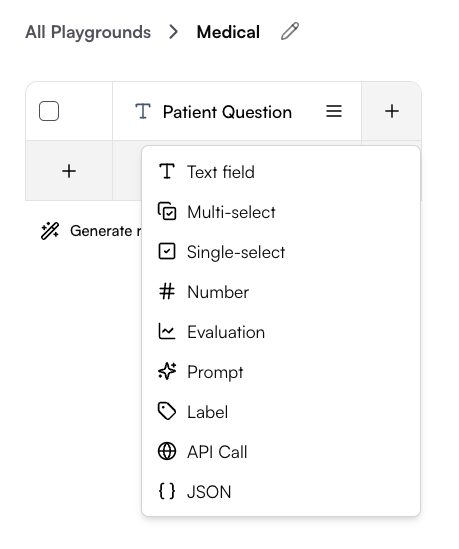
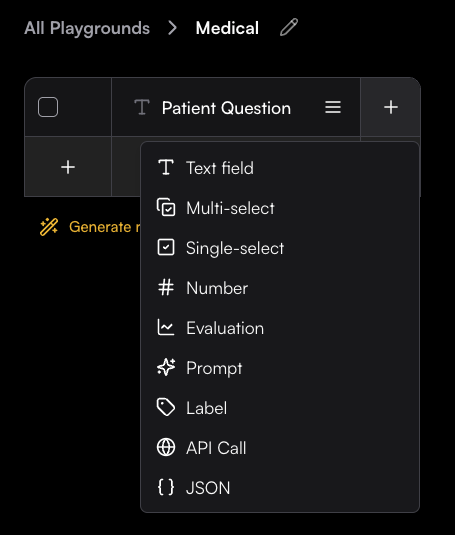
Columns are the building blocks of playgrounds, defining what kind of data you can store, process, and analyze.
 **Need to reorder, edit, or delete columns?**
Learn how to effectively manage your columns in the [Column Management](./column-management) guide.
## 📝 Data Input Columns
Store and manage static data entered manually or imported from external sources.
### Text field
Free-form text input with multiline support
### Numeric
Numbers, integers, and floating-point values
**Need to reorder, edit, or delete columns?**
Learn how to effectively manage your columns in the [Column Management](./column-management) guide.
## 📝 Data Input Columns
Store and manage static data entered manually or imported from external sources.
### Text field
Free-form text input with multiline support
### Numeric
Numbers, integers, and floating-point values
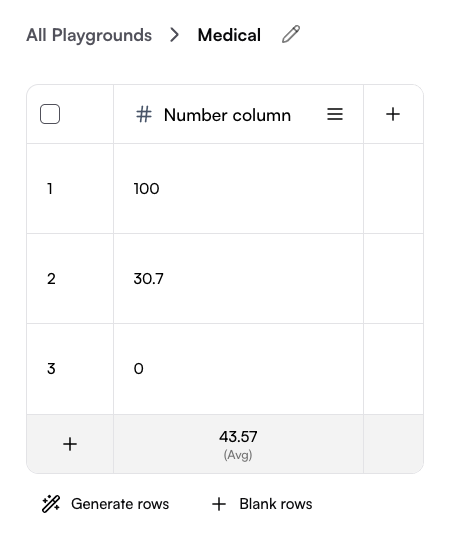
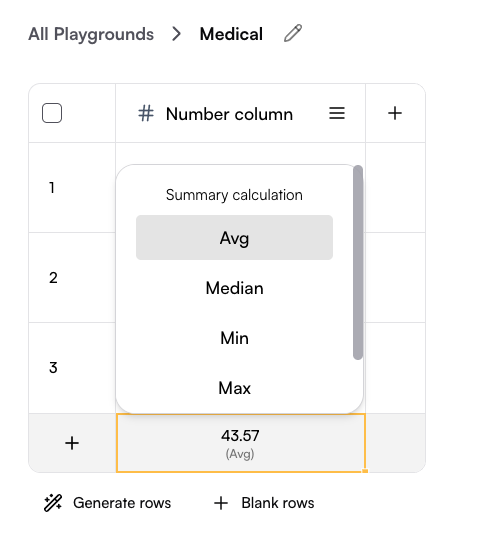
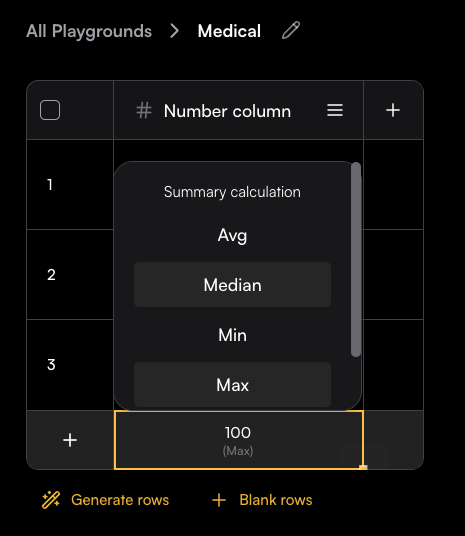
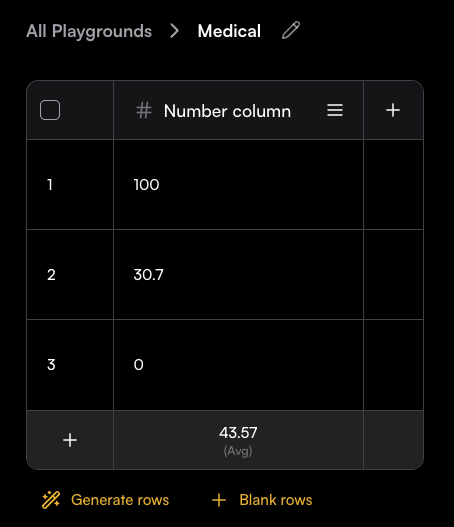 The last row allows you to choose a calculation method for the column, such as average, median, minimum, maximum, or sum.
 ### Single select
Single-choice columns let you define a set of predefined options and restrict each cell to one selection.
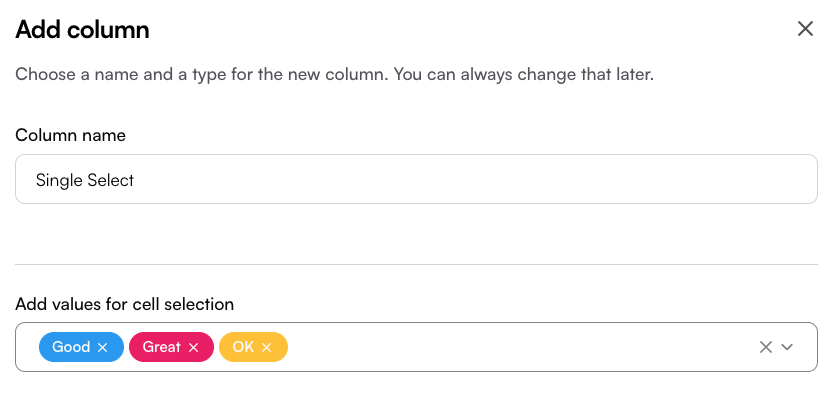
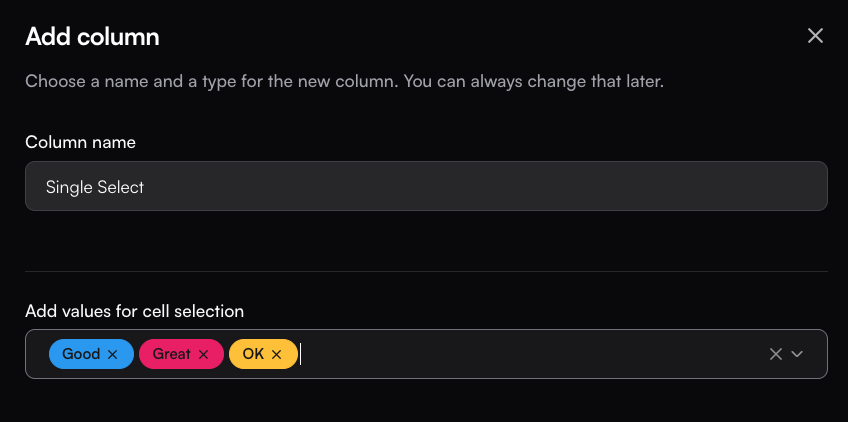
To create one, set the column name and add options in the Create Column drawer.
In the values box, type an option and press Enter to save it—once added, it will appear as a colored label.
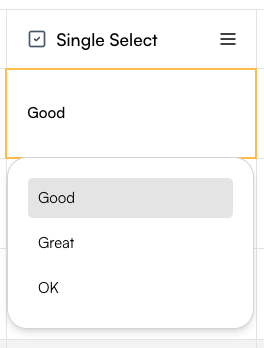
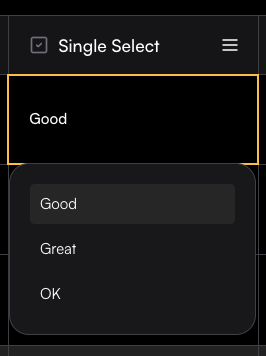
In the table, each cell will then allow you to select only one of the defined options.
This column type is especially useful for manual tagging with a single tag.
### Single select
Single-choice columns let you define a set of predefined options and restrict each cell to one selection.
To create one, set the column name and add options in the Create Column drawer.
In the values box, type an option and press Enter to save it—once added, it will appear as a colored label.
In the table, each cell will then allow you to select only one of the defined options.
This column type is especially useful for manual tagging with a single tag.
 ### Multi select
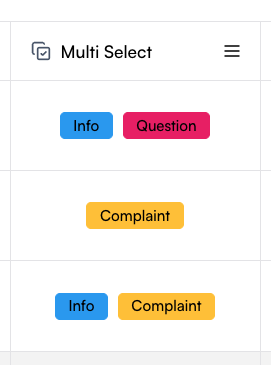
Multi-select columns let you define a set of predefined options and allow each cell to contain multiple selections. The setup process is the same as for single-select columns: define the column name, add options in the Create Column drawer, and save them as labels.
In the table, each cell can then include several of the defined options. This column type is especially useful for manual tagging with multiple tags.
### Multi select
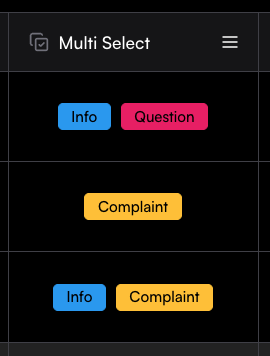
Multi-select columns let you define a set of predefined options and allow each cell to contain multiple selections. The setup process is the same as for single-select columns: define the column name, add options in the Create Column drawer, and save them as labels.
In the table, each cell can then include several of the defined options. This column type is especially useful for manual tagging with multiple tags.
 ### JSON
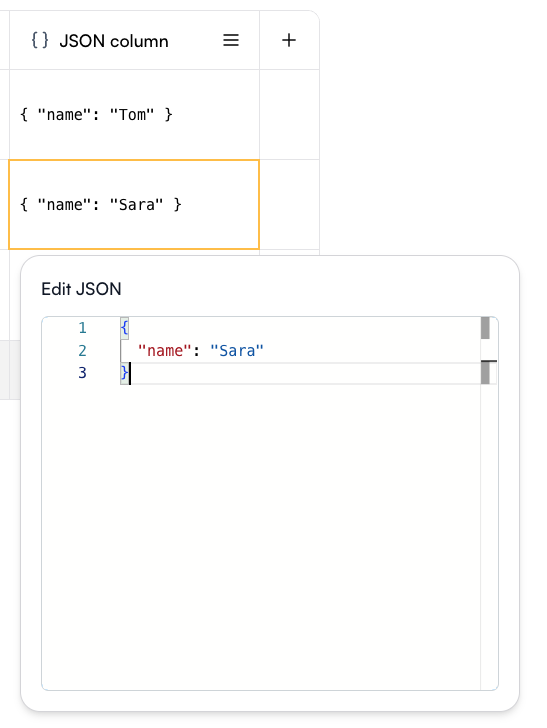
A JSON column allows you to store and edit structured JSON objects directly in the Playground. Each cell can contain a JSON value, making it easy to work with complex data structures.
When editing a cell, an Edit JSON panel opens with syntax highlighting and formatting support, so you can quickly add or update fields.
### JSON
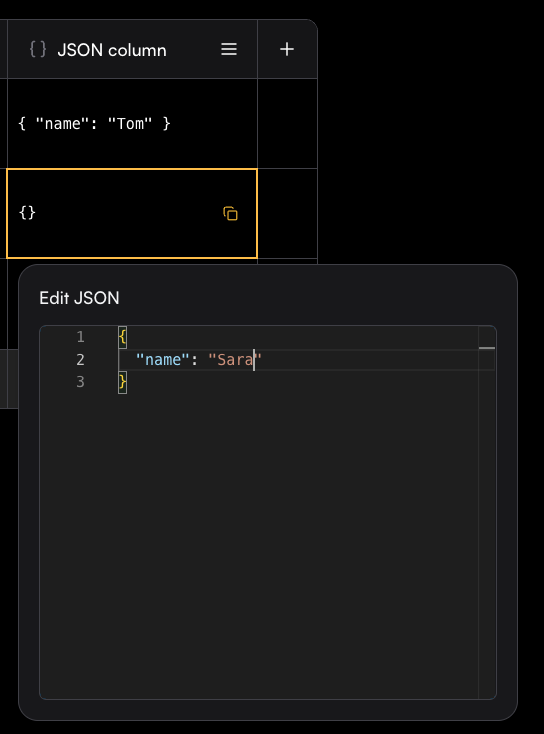
A JSON column allows you to store and edit structured JSON objects directly in the Playground. Each cell can contain a JSON value, making it easy to work with complex data structures.
When editing a cell, an Edit JSON panel opens with syntax highlighting and formatting support, so you can quickly add or update fields.